A baked colour cube
A three-dimensional colour table, generated offline and baked into the app, moves every pixel into the palette of the roll. It is the same cube the app ships with.
Filmcam is a native iPhone camera app. It shoots through a real film pipeline, lets you design the camera itself, and puts the finished photo in your camera roll.
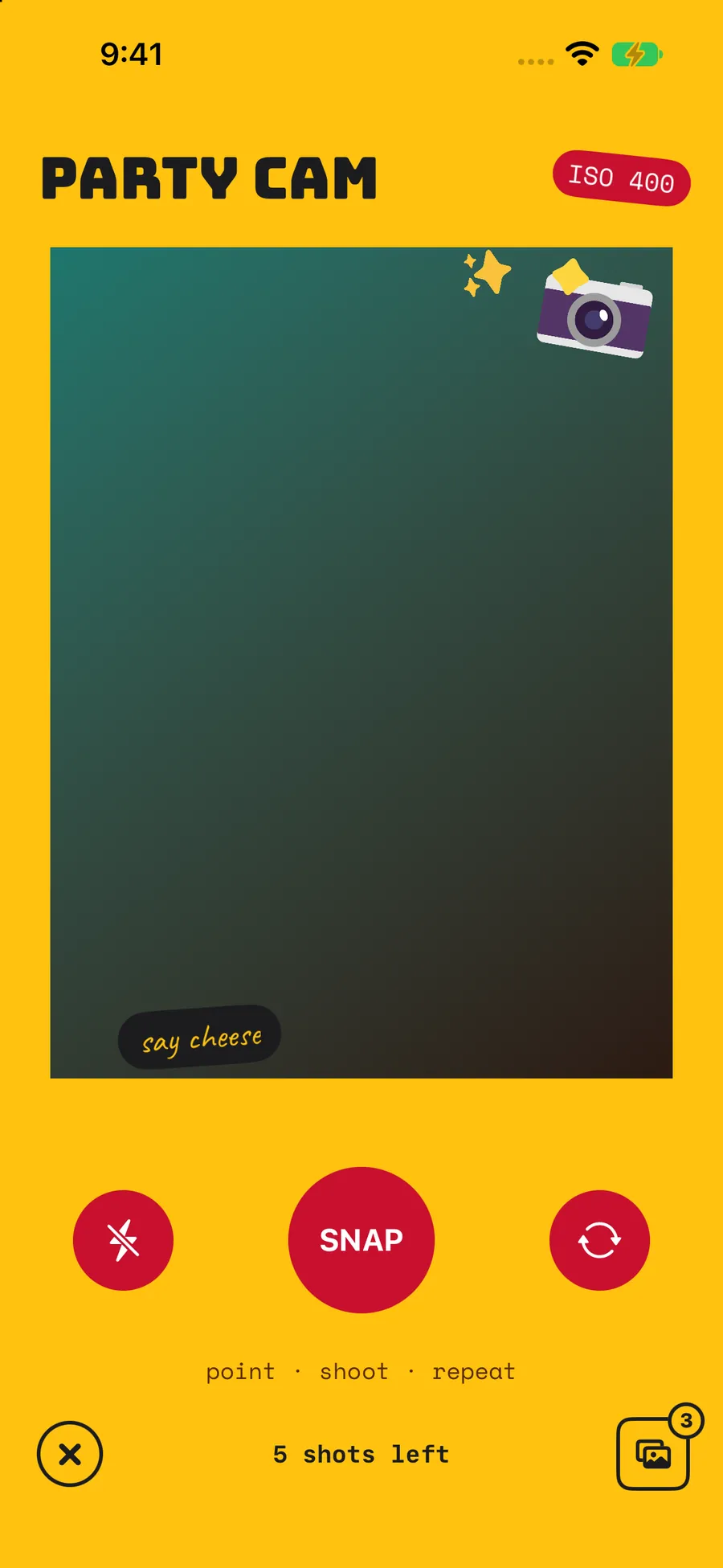
a camera design, in the app
The colour is the loud part. The rest is what makes it feel like film instead of a colour preset. These are the steps, in the order the app applies them.
A three-dimensional colour table, generated offline and baked into the app, moves every pixel into the palette of the roll. It is the same cube the app ships with.
Shadows and midtones lift, so faces and indoor shots come out readable, while the black point and the soft highlight shoulder of the negative are kept.
A small amount of optical softness, applied before the grain goes on, so the result reads as a lens rather than a screen.
Bright areas bleed a little into their surroundings the way light does when it scatters inside film. It is why night shots look warm around the flash.
Fine, softly clustered monochrome texture, generated from a fixed seed so it has the structure of film grain rather than the flat noise a slider gives you.
The corners fall off slightly, gently. Enough to frame the picture, never enough to look like an effect.
One warm colour roll and one black and white. Both are curated by hand and both are baked into the app.
Disposable 01 keeps the warmth and lifts the shadows. Monochrome 01 takes the colour out and leaves the contrast.
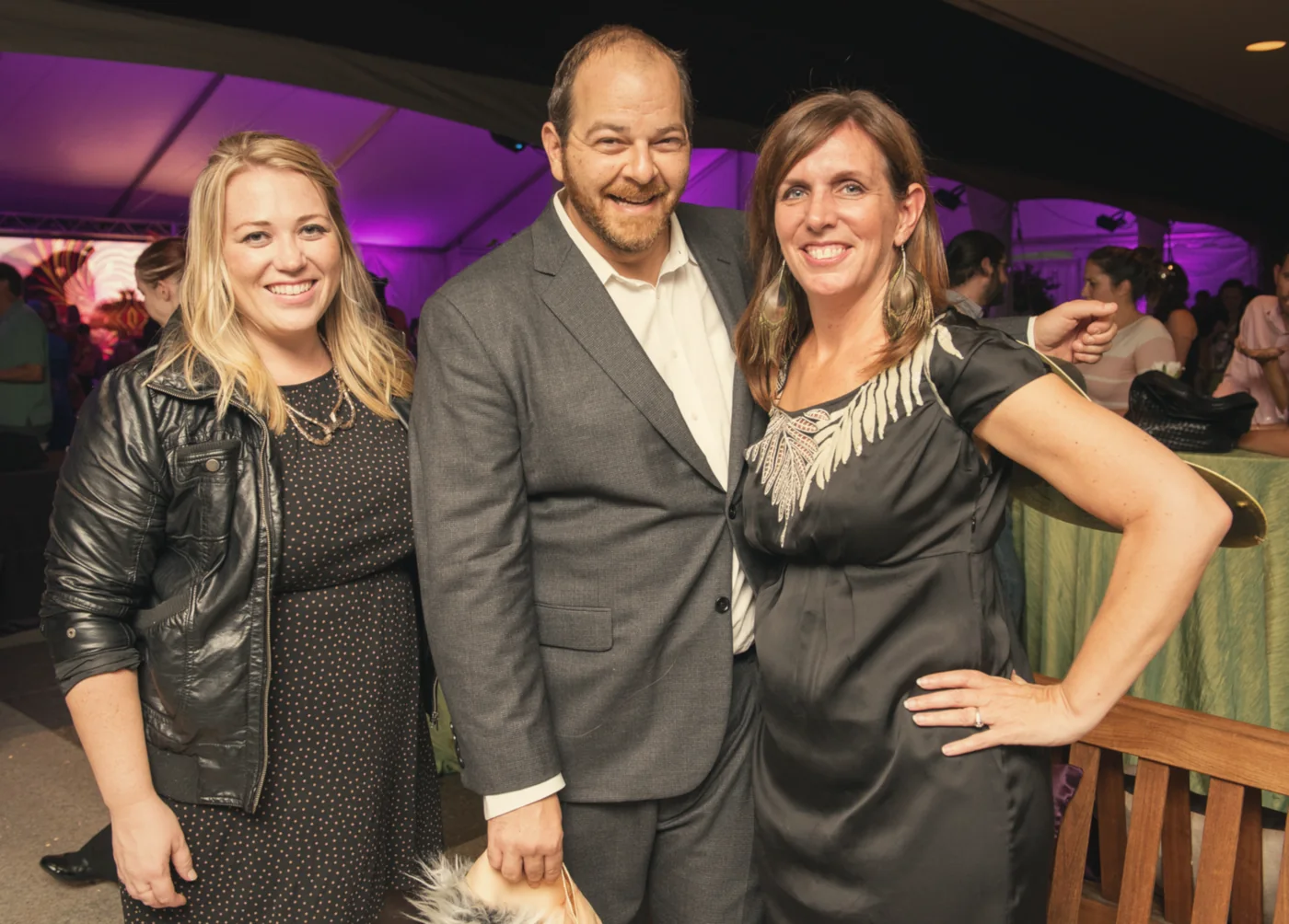
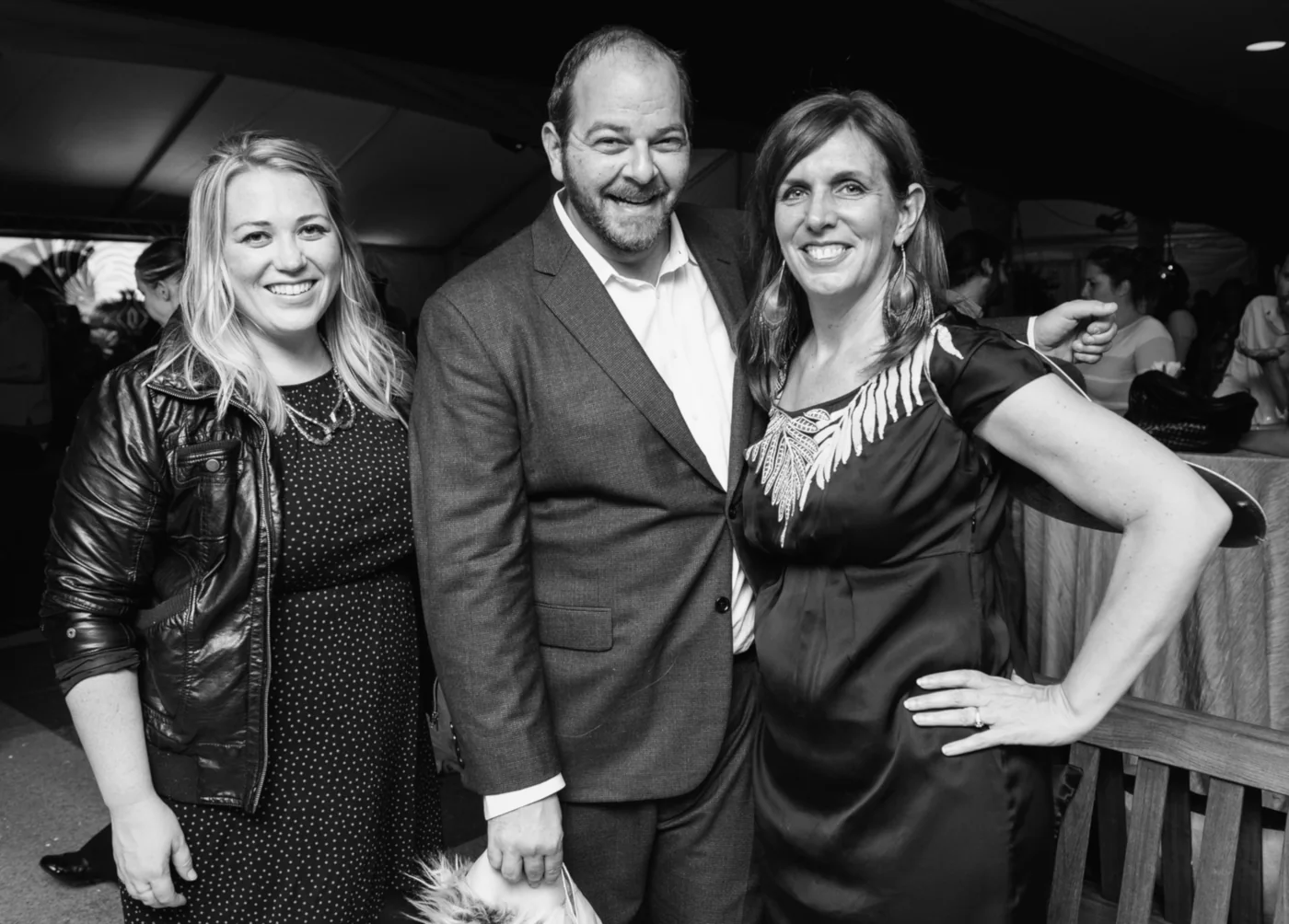
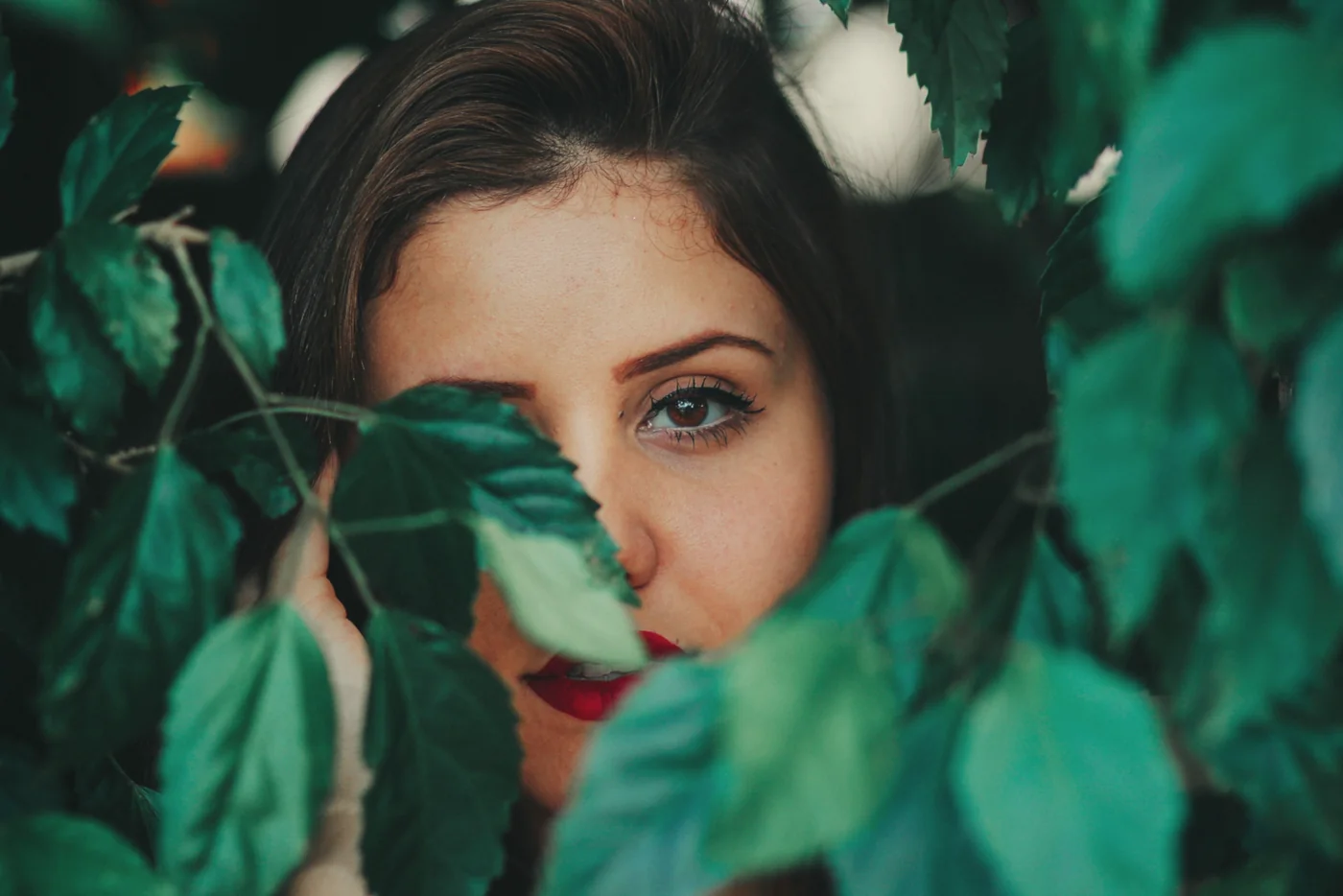
Here is the original frame, straight out of the camera, before any of the above.
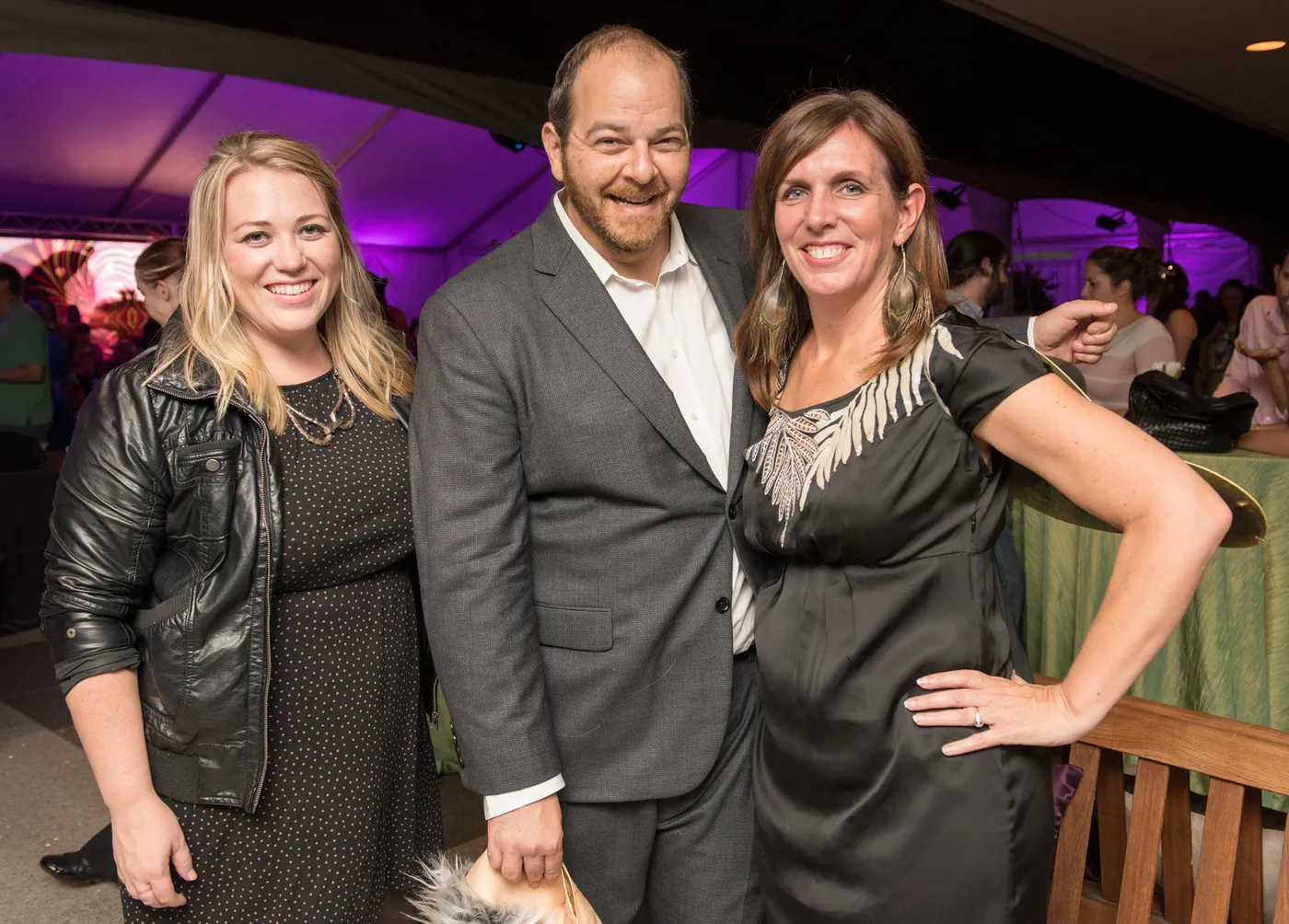

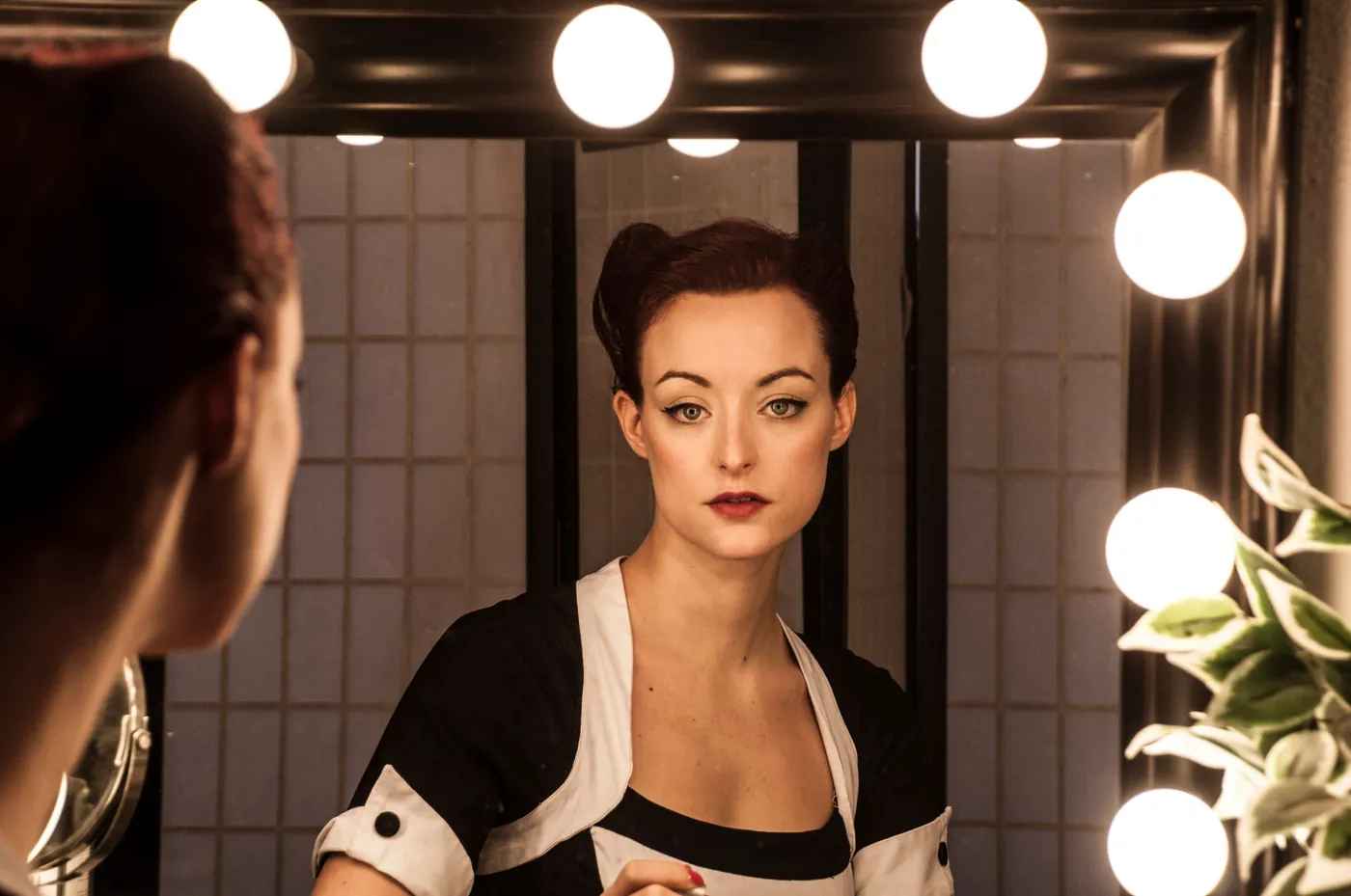
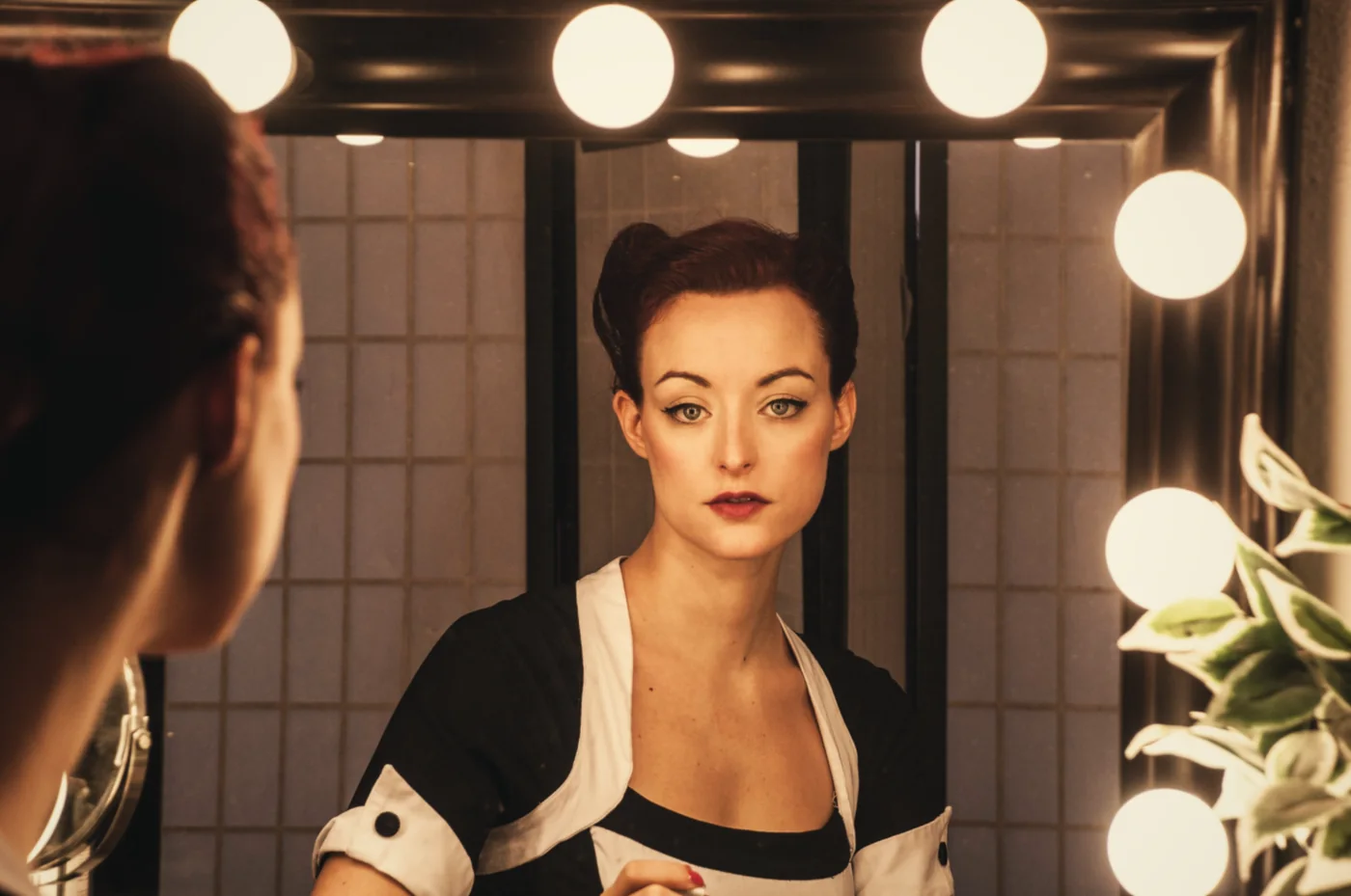
The camera screen is yours to arrange. Set the background colour, restyle the shutter and the side buttons, drop in your own text and stickers, and set the stamp that gets burned into every photo.
In development. The camera screen, the design editor and the gallery are built and being tested on real iPhones. The app has not been submitted to the App Store yet.
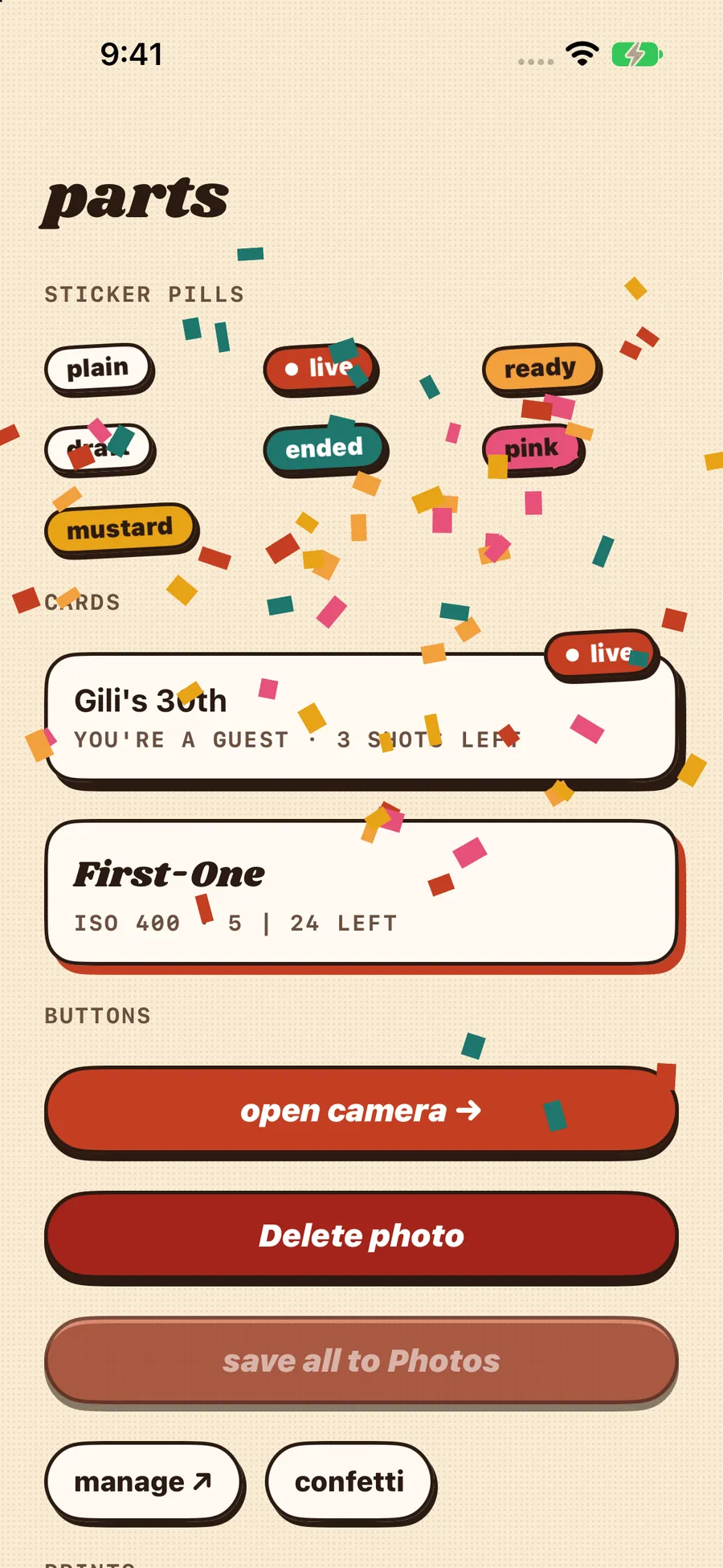
the parts, from the app
Every shot lands in your gallery on the phone as a little print, with its status spelled out. Save one to Photos, or save them all in one go.
With your own camera, photos stay on your iPhone. The app does not read the photos already in your library, and it does not upload anything.
Controls are labelled for VoiceOver, the interface follows your system text size, and the layouts hold up on a small phone without pushing buttons off the screen.
For events there is also a lightweight App Clip, so a guest can open the camera from a printed code without installing anything. Also in development.
That is the planned version: design a camera for an occasion, share one code, and collect everybody's photos in a single album.